
Roles and permissions on Agrello platform


Master Agrello's two-layer permission system: workspace roles (Owner, Administrator, Member) and folder permissions (Editor, Viewer). Control access, protect sensitive documents, and enable efficient team collaboration.
Agrello uses two permission layers. Workspace roles control who can manage billing, invite members, and see all folders. Folder permissions control who can create documents or just view them. Together, they let you give each person exactly the access they need.
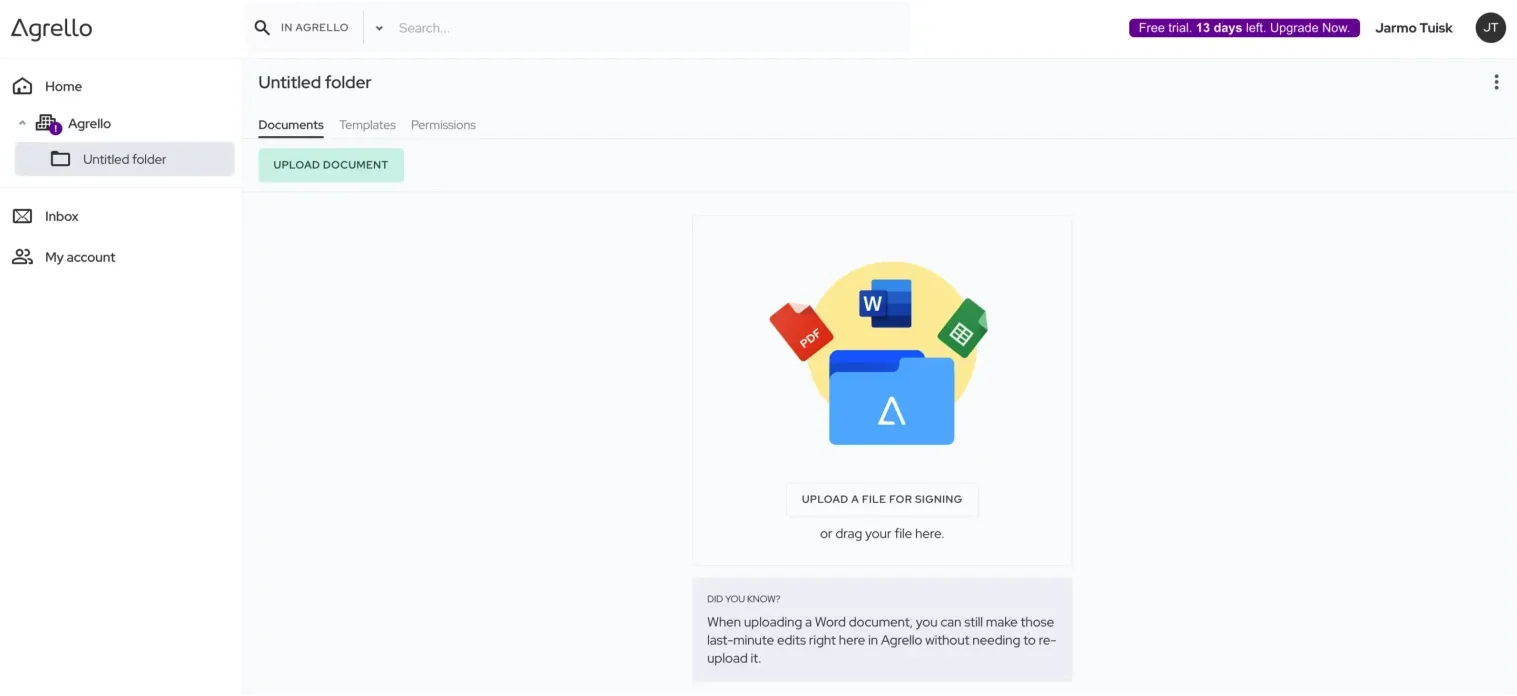
Workspace Roles
Owner has full control including billing and workspace settings. Typically the business owner or finance contact. One per workspace is recommended.
Administrator manages team workflows—can invite members, grant folder access, and see all folders. Cannot access billing. Ideal for department heads and team leads.
Member works only in folders they're invited to. Cannot see other folders or invite others. This is the default role for most team members.
Folder Permissions
Once someone has a workspace role, you grant them access to specific folders:
Editor can create documents, send for signing, manage templates, and export data. Give this to people who actively work with contracts.
Viewer can view documents and add comments, but cannot create or send anything. Perfect for executives monitoring progress, legal reviewing drafts, or external stakeholders.
Who Gets What?
Most employees should be Members with Editor access to their department folder. HR staff get Editor on the HR folder. Sales reps get Editor on Sales. They work independently without seeing other departments.
Department heads work well as Administrators. They see all folders, which helps coordinate cross-team work. They can grant access to their team members without bothering the Owner.
Executives and auditors often need Member role with Viewer access to multiple folders. They monitor activity and review documents without accidentally creating or modifying anything.
External collaborators—contractors, clients, legal reviewers—should be Members with access to one specific project folder. Give them Editor if they need to create documents, Viewer if they just need to review. Remove access when the engagement ends.
Quick Tips
Start with minimum access. Give Viewer first, upgrade to Editor when needed. Give Member role first, upgrade to Administrator only for true coordinators.
Organize folders by function. When folders match departments, permissions become intuitive. HR folder for HR team. Finance folder for finance team.
Use Viewer for approvals. Legal reviews a draft as Viewer, adds approval comments, then the Editor sends it. Clean separation of review and action.
Review quarterly. Check who has access to what. Remove former employees. Adjust permissions when people change roles.
Appendix: Detailed Capabilities
Owner Capabilities
- Manage subscription and billing
- Configure workspace settings (name, logo, branding)
- Invite and remove workspace members
- Change member roles (Owner, Administrator, Member)
- Transfer workspace ownership to another member
- View and manage all folders automatically
- Create and manage templates across workspace
- Create, send, and manage all documents
- Access usage statistics and analytics
- Delete workspace
Administrator Capabilities
- View all folders automatically (for oversight)
- Invite new members to workspace
- Add existing members to folders
- Grant Editor or Viewer permissions on folders
- Create and share templates
- Full document lifecycle control in any folder
- View folder analytics
Cannot: Manage billing, transfer ownership, delete workspace
Member Capabilities
- Access only folders they're explicitly invited to
- Create and manage documents (if Editor permission)
- View documents and comment (if Viewer permission)
- Use templates shared in accessible folders
- Download documents from accessible folders
Cannot: See other folders, invite members, manage workspace settings, access billing
Editor Capabilities (Folder Level)
- Create documents (upload, use templates, built-in editor)
- Send documents for signing
- Manage documents (edit drafts, void, delete)
- Create templates from documents
- Export CSV data from templates
- Download originals and signed copies
- Add comments
- View all documents in folder
Viewer Capabilities (Folder Level)
- View all documents in folder
- Track signing progress
- Add comments for feedback
- Download documents (if permitted by folder settings)
Cannot: Create, edit, delete, or send documents. Cannot create templates or export CSV.